
Business CarouselFinancial Summary
Google Earnings Summary Carousel
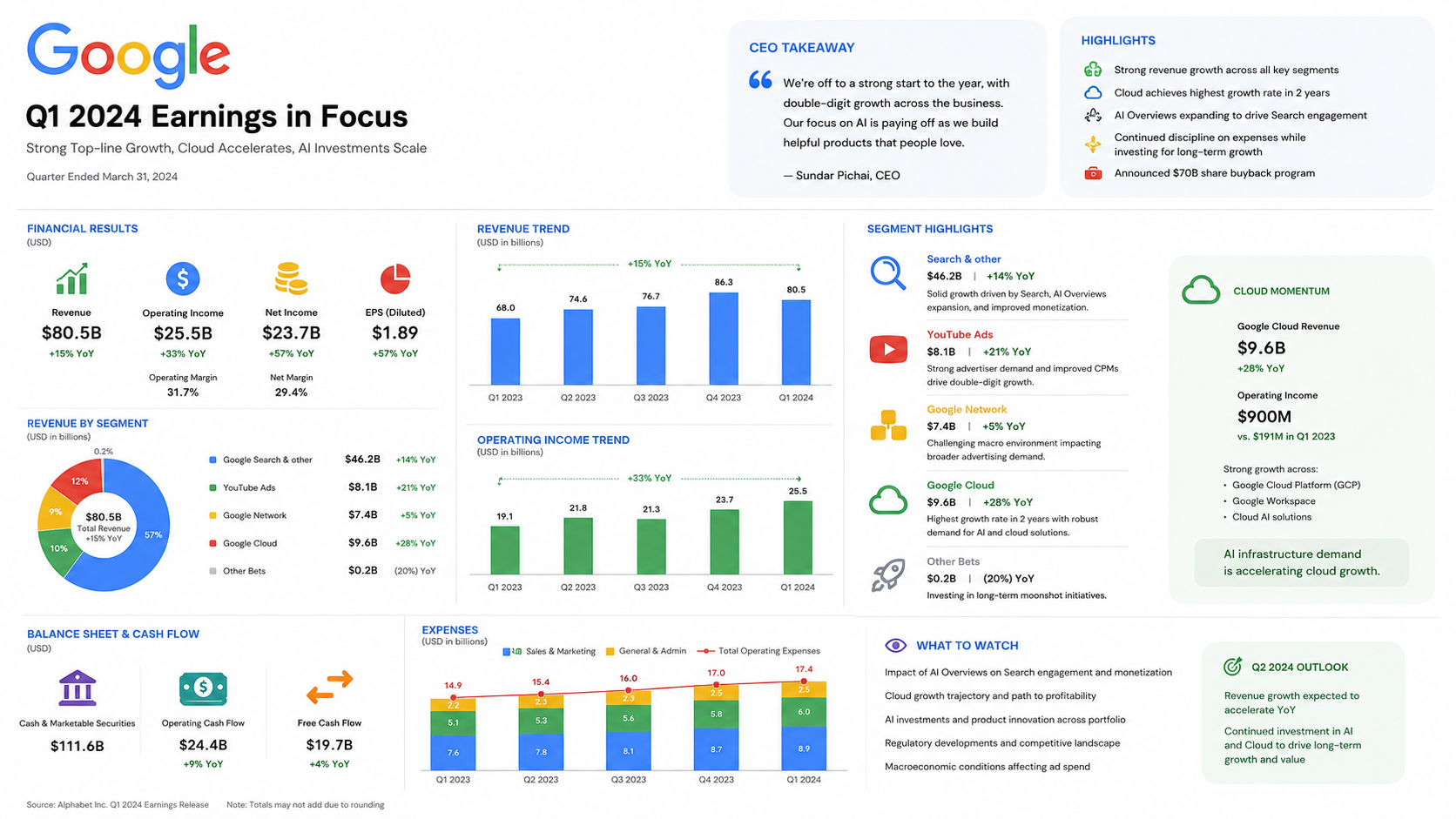
A wide business carousel that turns Google Q1 2024 earnings into clean metric panels, trend charts, and segment highlights.
Create SimilarTurn text, notes, or topics into carousel-style visuals, multi-slide infographics, and visual summary slides in minutes.
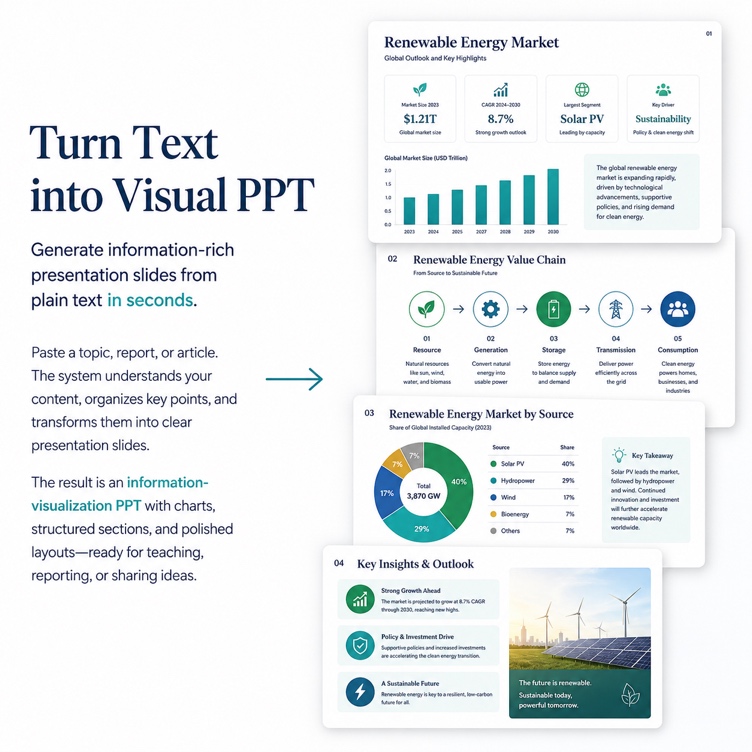
Examples generated from text, notes, and topics.
Explore carousel previews created from text, notes, short explanations, and topics.
A wide business carousel that turns Google Q1 2024 earnings into clean metric panels, trend charts, and segment highlights.
Create Similar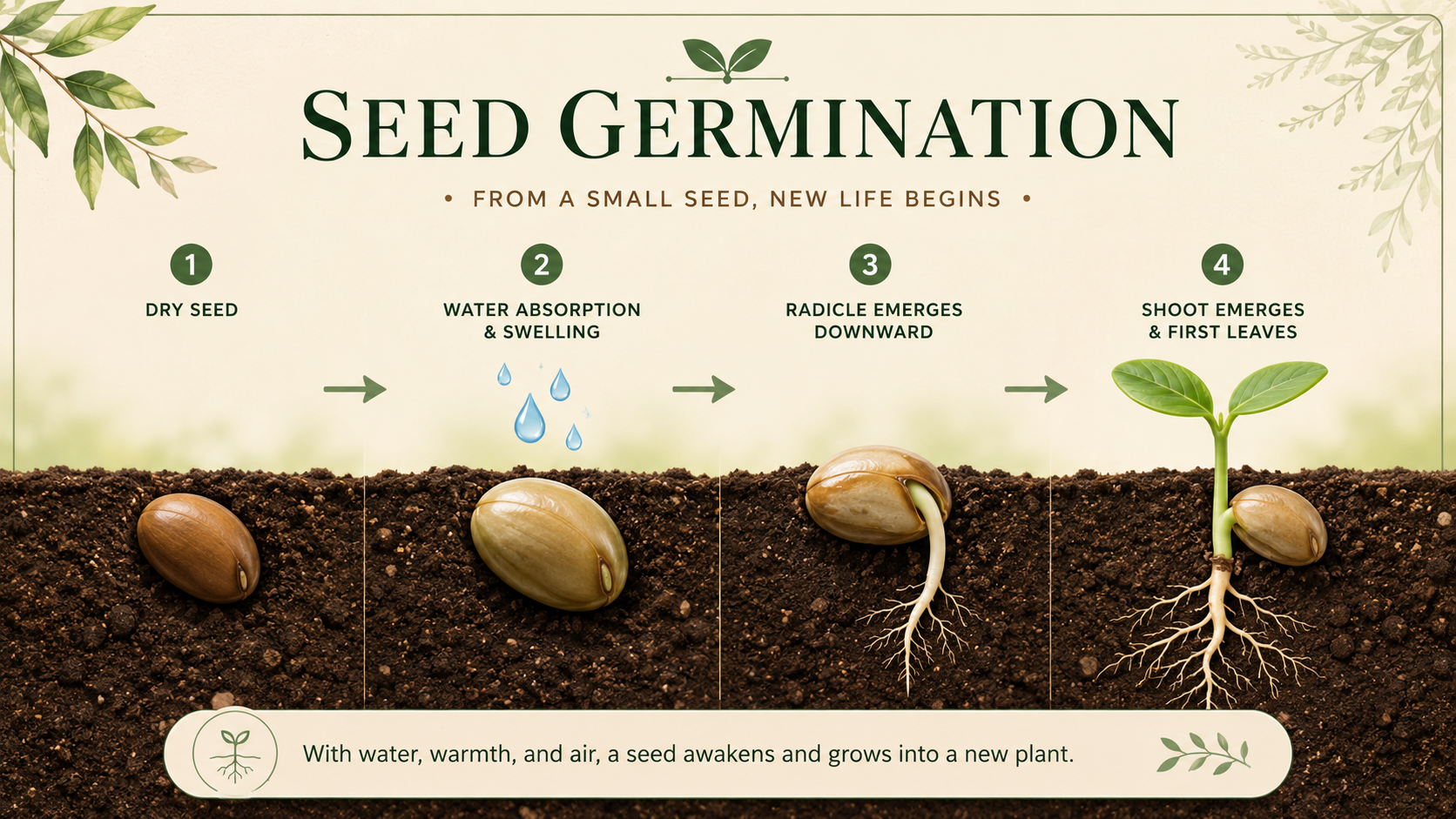
A wide educational carousel that explains seed germination through four simple plant growth stages.
Create Similar
A wide medical carousel that shows how vaccines train immune memory with clear steps and labeled immune response stages.
Create Similar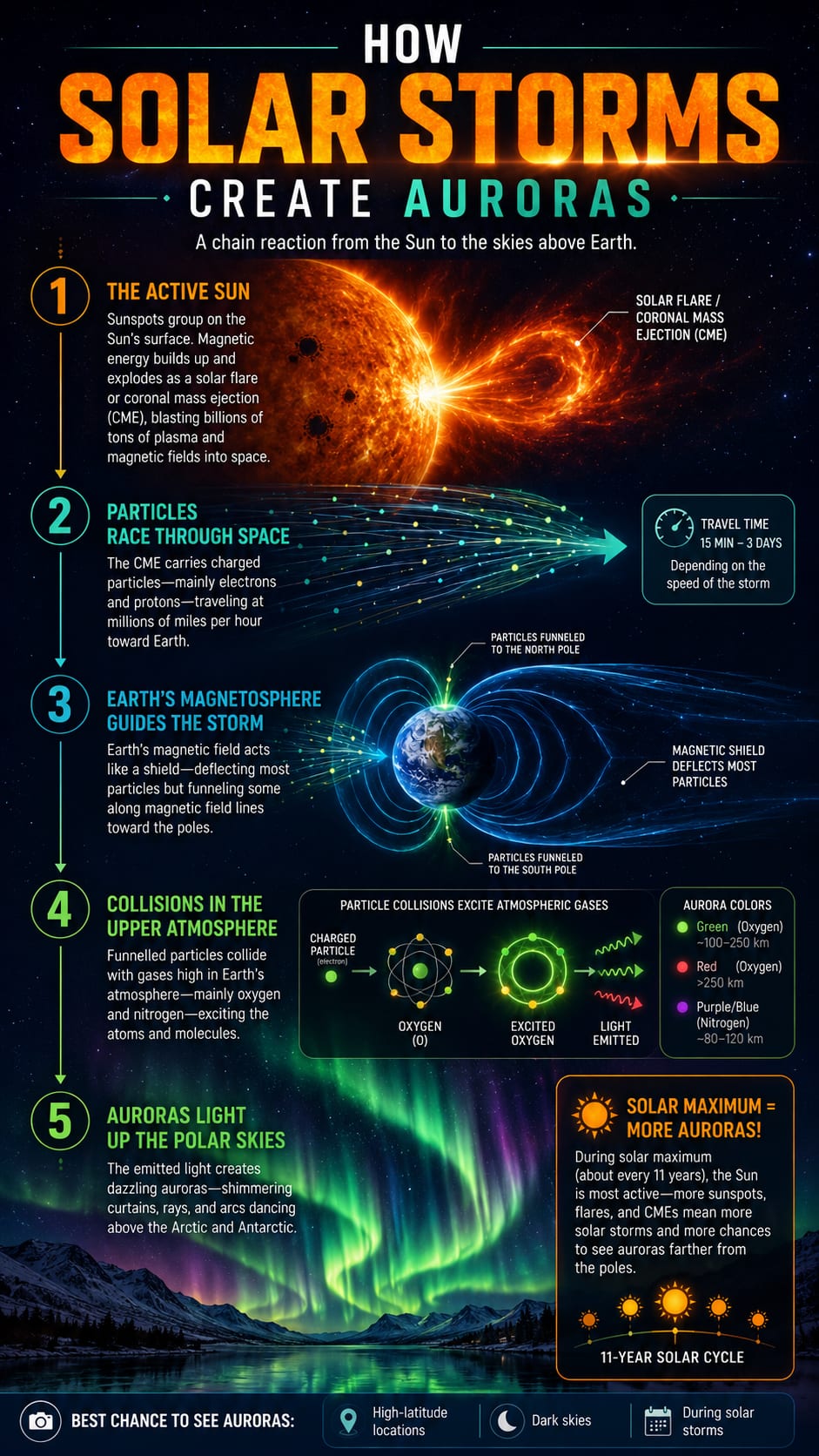
A vertical science carousel that explains how solar storms create auroras through a dramatic step-by-step space weather flow.
Create Similar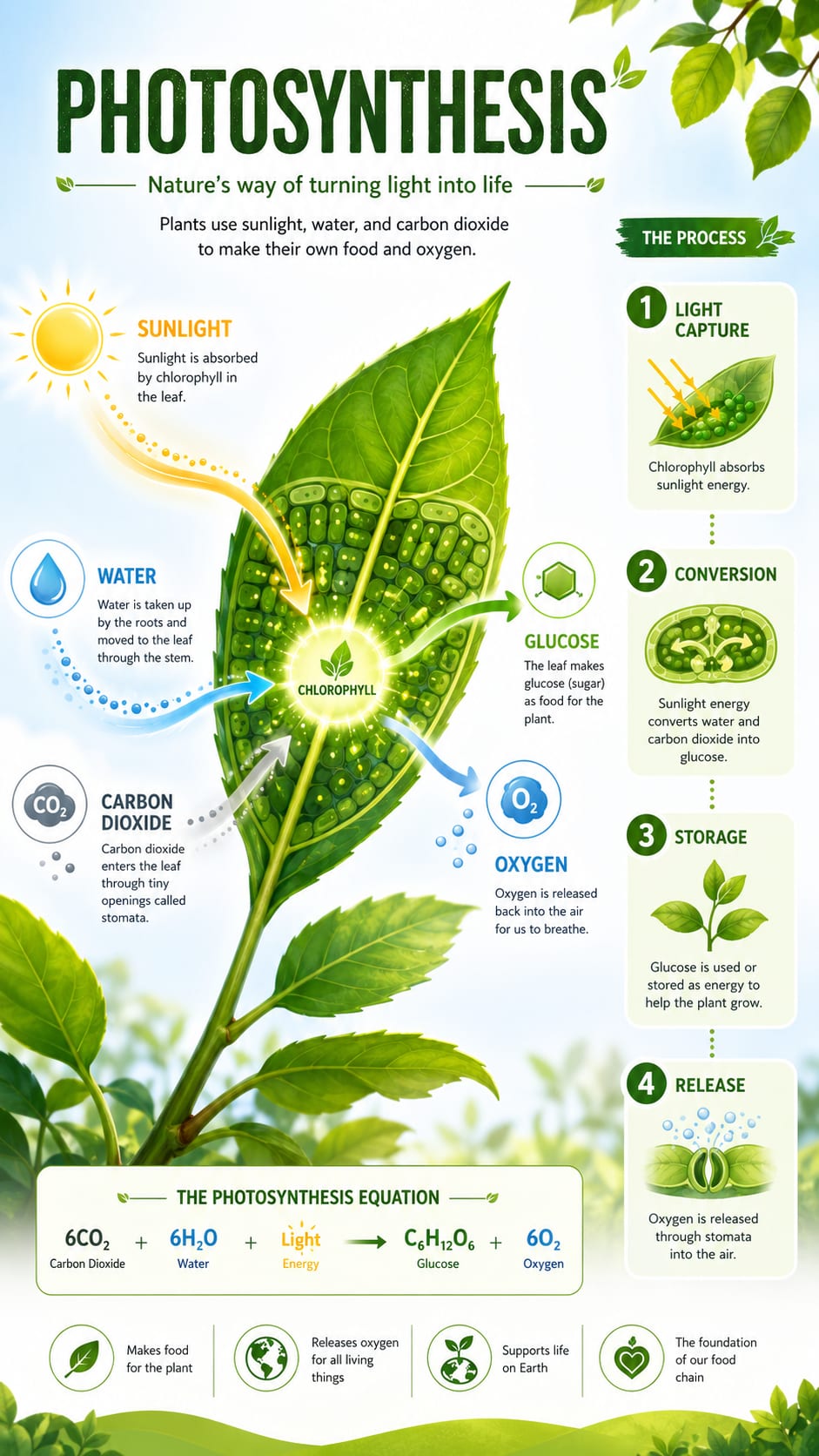
A vertical biology carousel that explains DNA replication with a strong central double-helix and concise handwritten-style stages.
Create Similar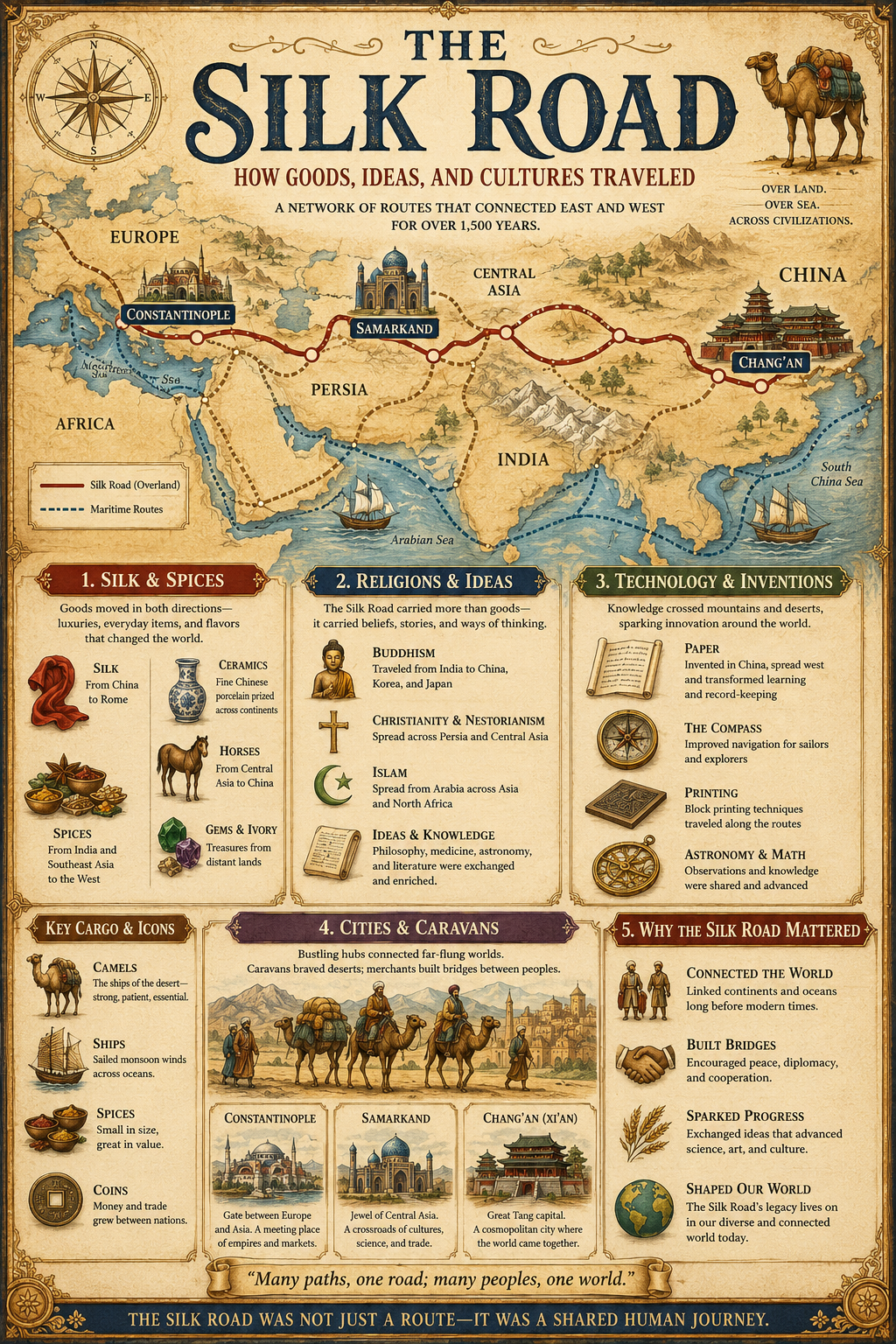
A vertical history carousel that maps Silk Road routes, trade goods, exchanged ideas, and the long-term global impact.
Create SimilarKnowLens turns topics, notes, or plain text into carousel-style visuals, infographic slides, and multi-slide visual summaries. It is designed for education, social media, and learning.
Turn a single idea into carousel slides people can scan, save, and share.
Turn lesson ideas into clear slide-by-slide explanations for students and self-study.
Break one idea into labeled sections, visual hierarchy, and easy-to-scan panels.
Convert notes or short explanations into a compact multi-slide summary.
Create carousel-style visuals for Instagram, LinkedIn, X/Twitter, and other social feeds.
Shape key ideas into thumbnail-style visual frames for short explainer planning.
HOW IT WORKS
Start with text. KnowLens structures the idea into a multi-slide visual flow.
Start with a topic, notes, plain text, or a short explanation.
KnowLens organizes the idea into multiple slides, key points, sections, and visual flow.
Produce a ready-to-share carousel for social media, presentations, or learning.
Use carousel-style visuals when a topic needs more than one frame but still needs to stay simple.
Turn study notes and concepts into visual study guides in carousel format.
Convert lesson topics into multi-slide educational content.
Explain complex concepts across slides with clear visual structure.
Create carousel posts for LinkedIn, Instagram, X/Twitter, and knowledge-sharing channels.
Make quick multi-slide visuals without a designer.
Common questions about creating carousel-style visuals with KnowLens.
An AI Carousel Generator turns text, notes, or topics into multi-slide carousel visuals, infographic slides, and visual summaries. KnowLens helps organize the idea into slide-by-slide sections so each point is easier to follow.
You can start with a topic, notes, short text, or a short explanation. The best input is a focused idea with the audience and takeaway you want the carousel to explain.
Yes. KnowLens can turn classroom lessons, study guides, and educational visual summaries into carousel-style slides for learning and review.
Yes. You can convert complex concepts into clear multi-slide visuals with sections, labels, and a structured explanation flow.
Yes. The page is designed for Instagram, LinkedIn, X/Twitter, and other platforms where carousel posts help explain ideas across multiple frames.
Traditional tools require templates and manual layout. KnowLens starts from text, structures the content automatically, and turns the message into a visual carousel.
Currently, KnowLens focuses on carousel slides and thumbnail-style previews for short explainer planning. The carousel itself is built as a visual sequence people can scan quickly.
No. KnowLens automatically structures slides with consistent visual hierarchy, sections, and readable summaries, so you can start from a rough idea.
Yes. You can create variations from the same topic by emphasizing different angles, audiences, examples, or key takeaways.
Generation usually takes seconds to a few minutes, depending on the length of your text and the number of slides needed for the visual explanation.
Minor adjustments to text, color, and layout are possible after generation, so you can refine the carousel before sharing it.
No. It also works for team presentations, product explanations, marketing content, study materials, and general knowledge topics.
Start with text, notes, or a topic. Generate carousel-style visuals, infographic slides, or visual summaries in minutes.