
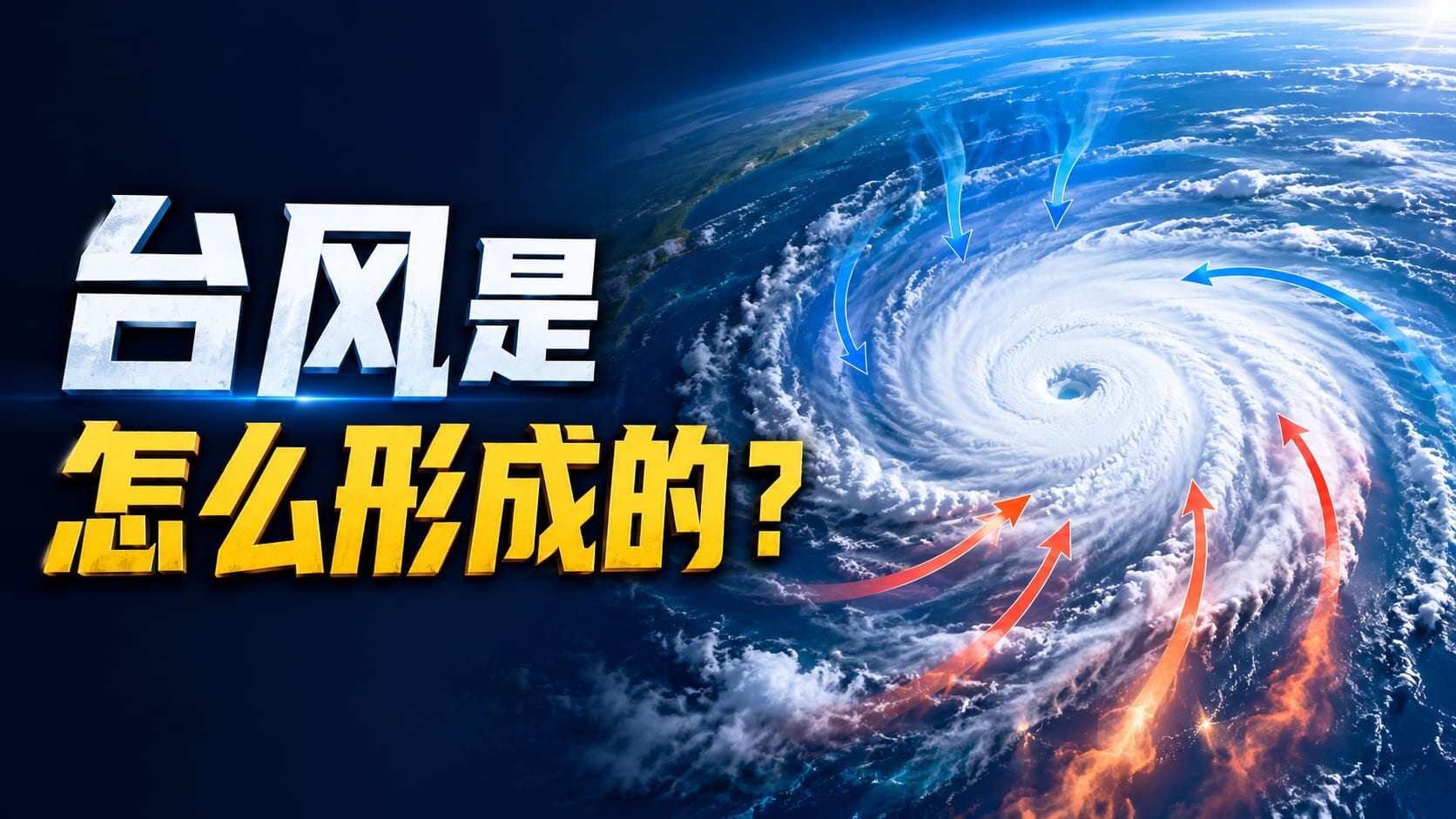
Space SciencePhysics
Paste a script, topic, or notes. KnowLens turns it into a short science explainer video with visual scenes, subtitles, and a clear creator-friendly structure.
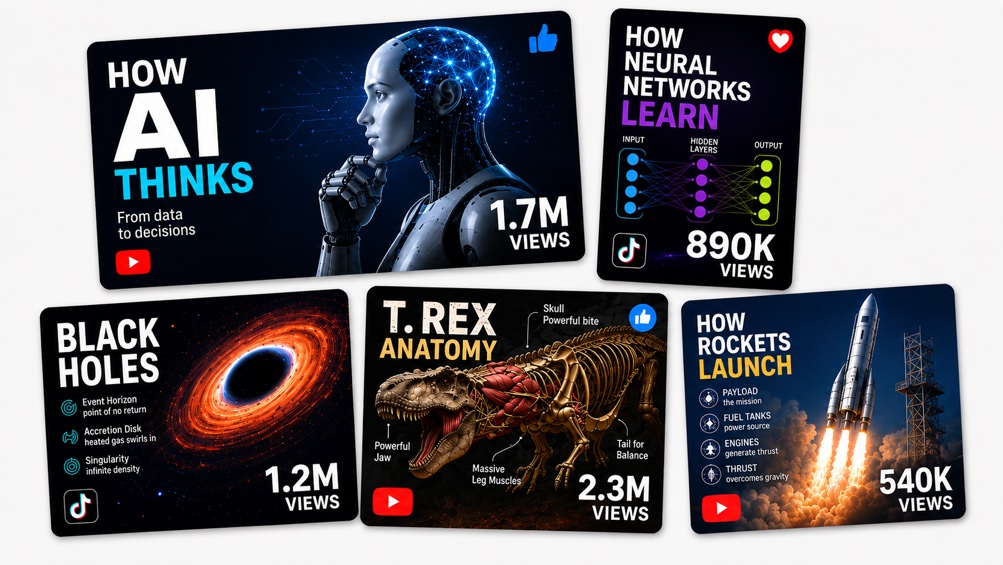
Explore short explainer video ideas for science, tech, health, history, and everyday learning content.
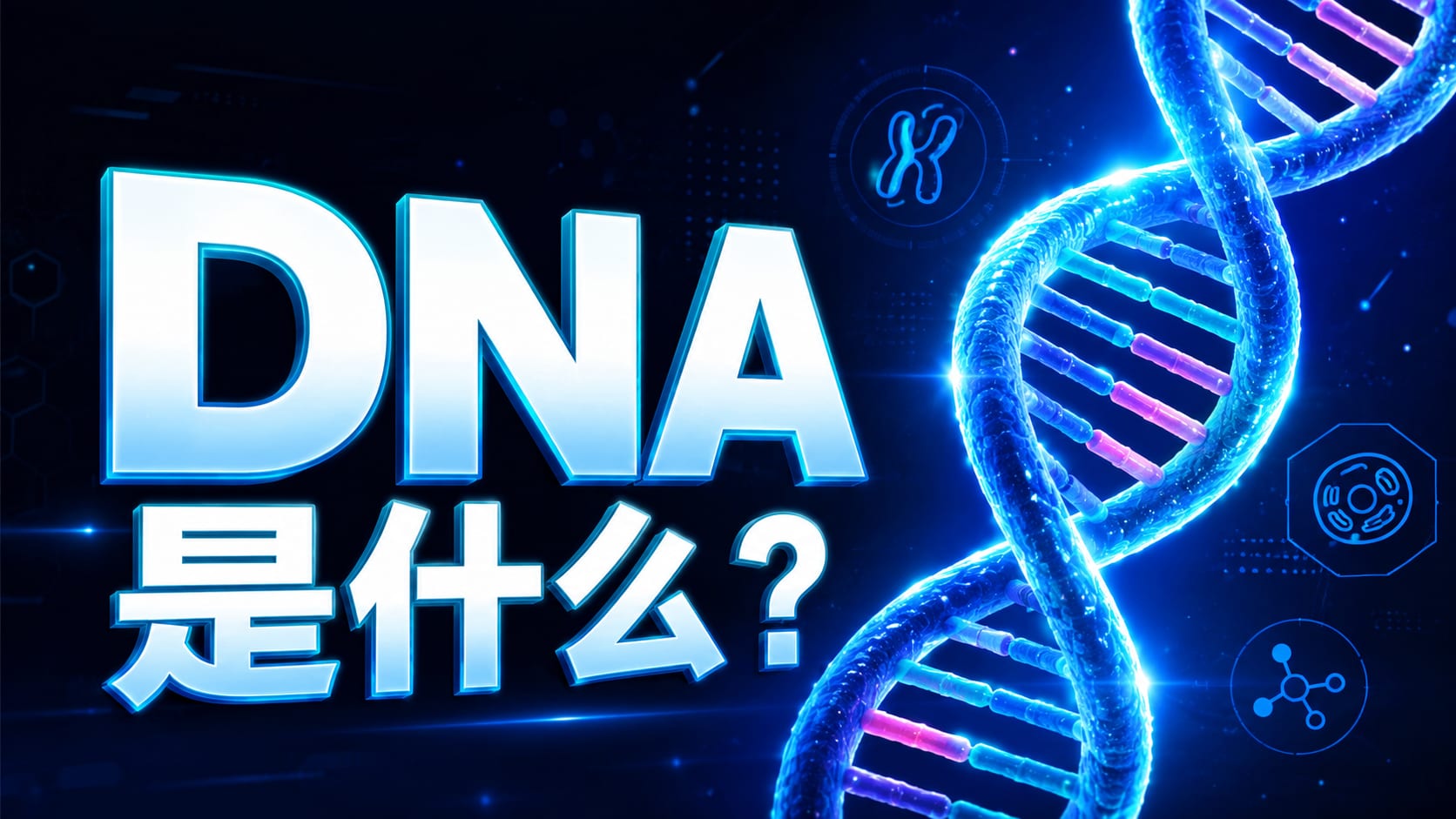
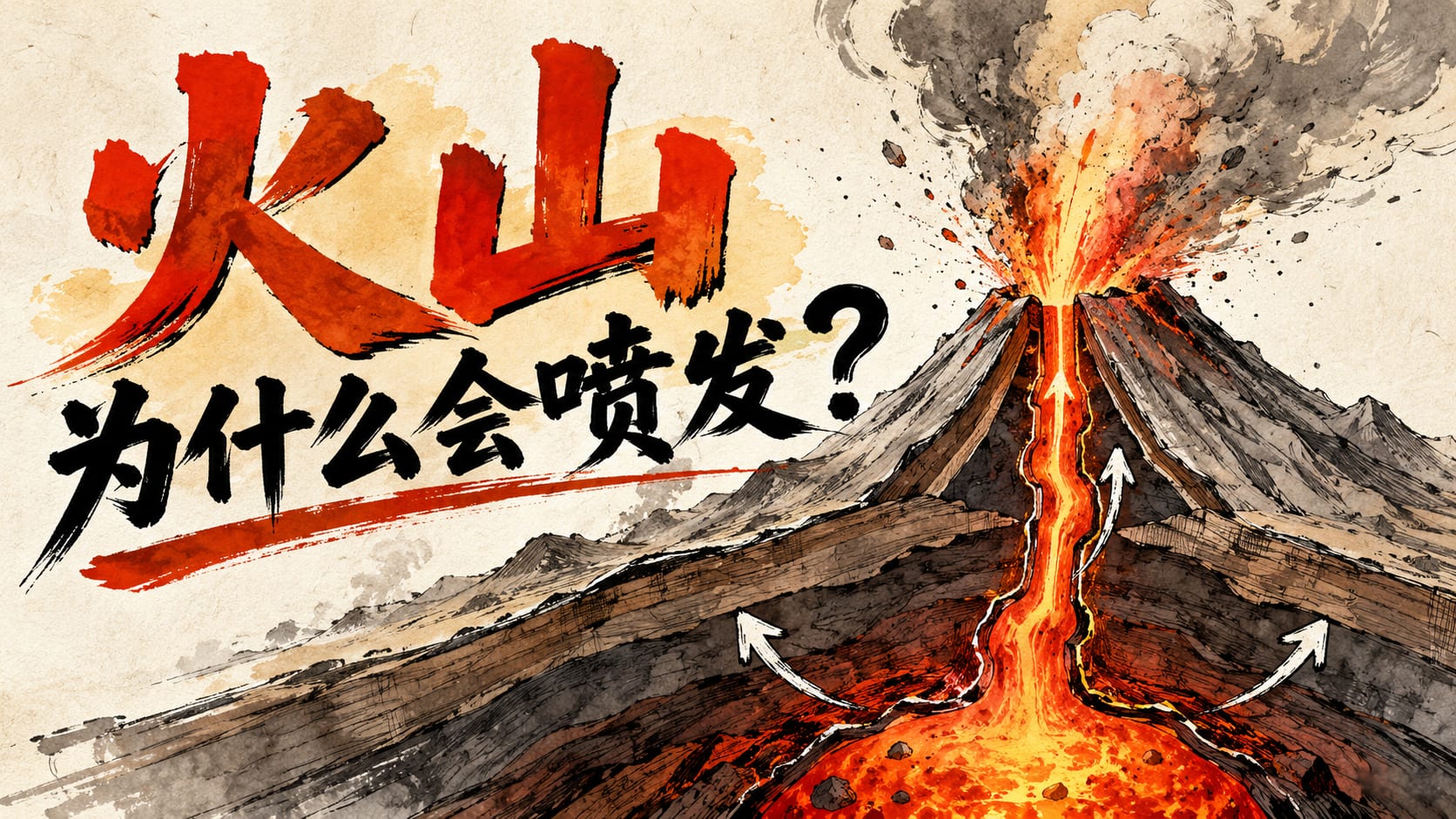
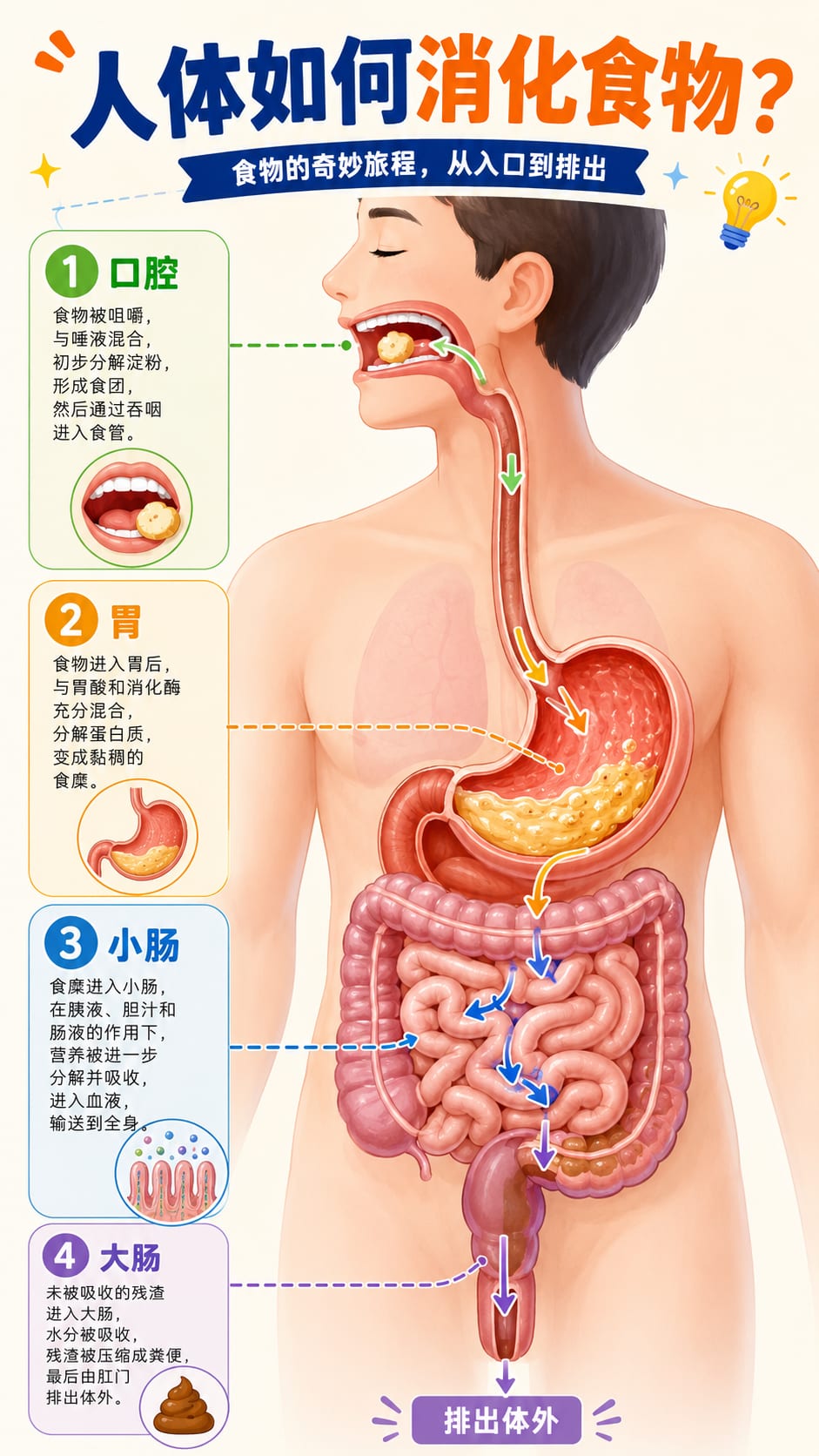
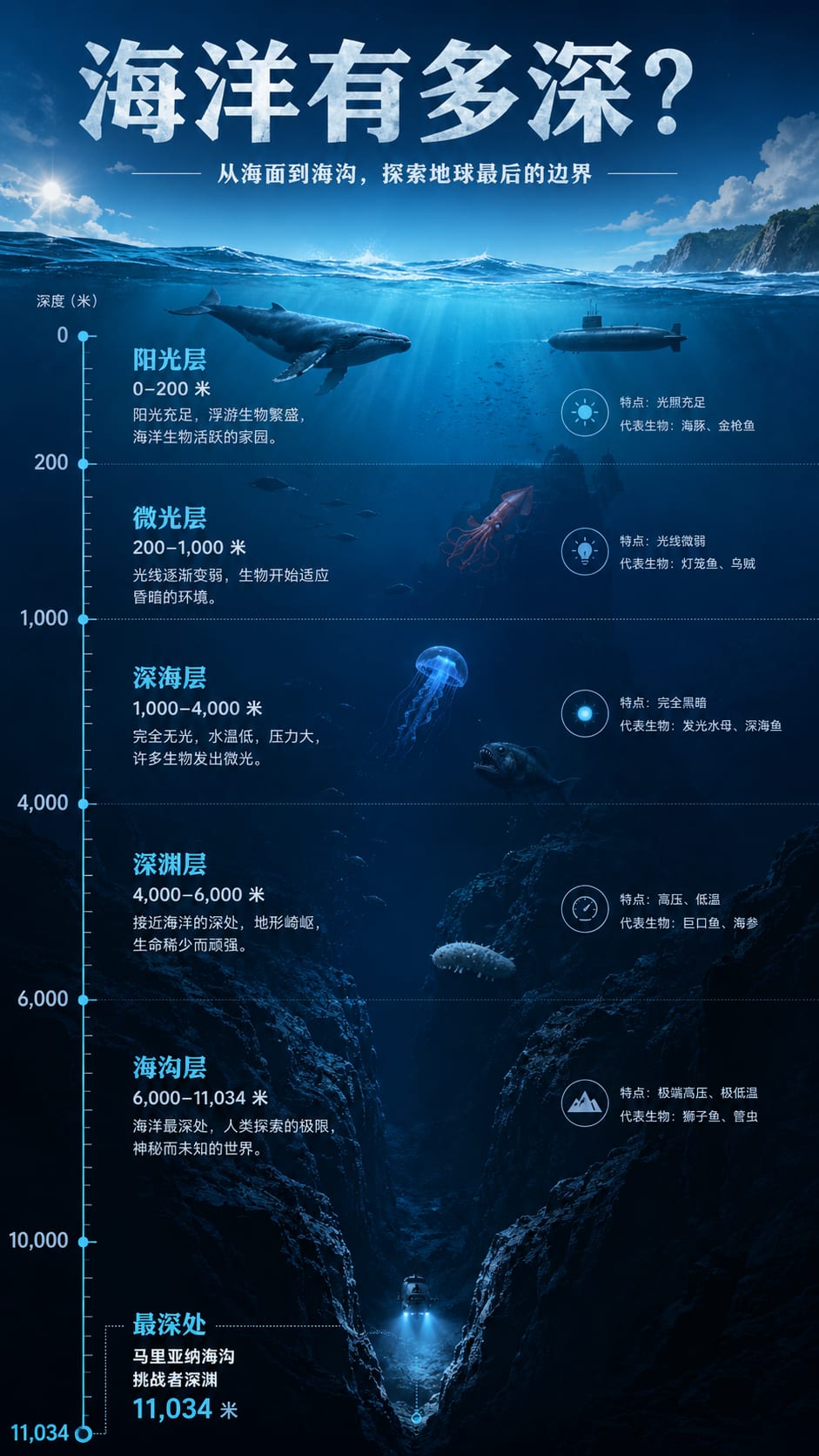
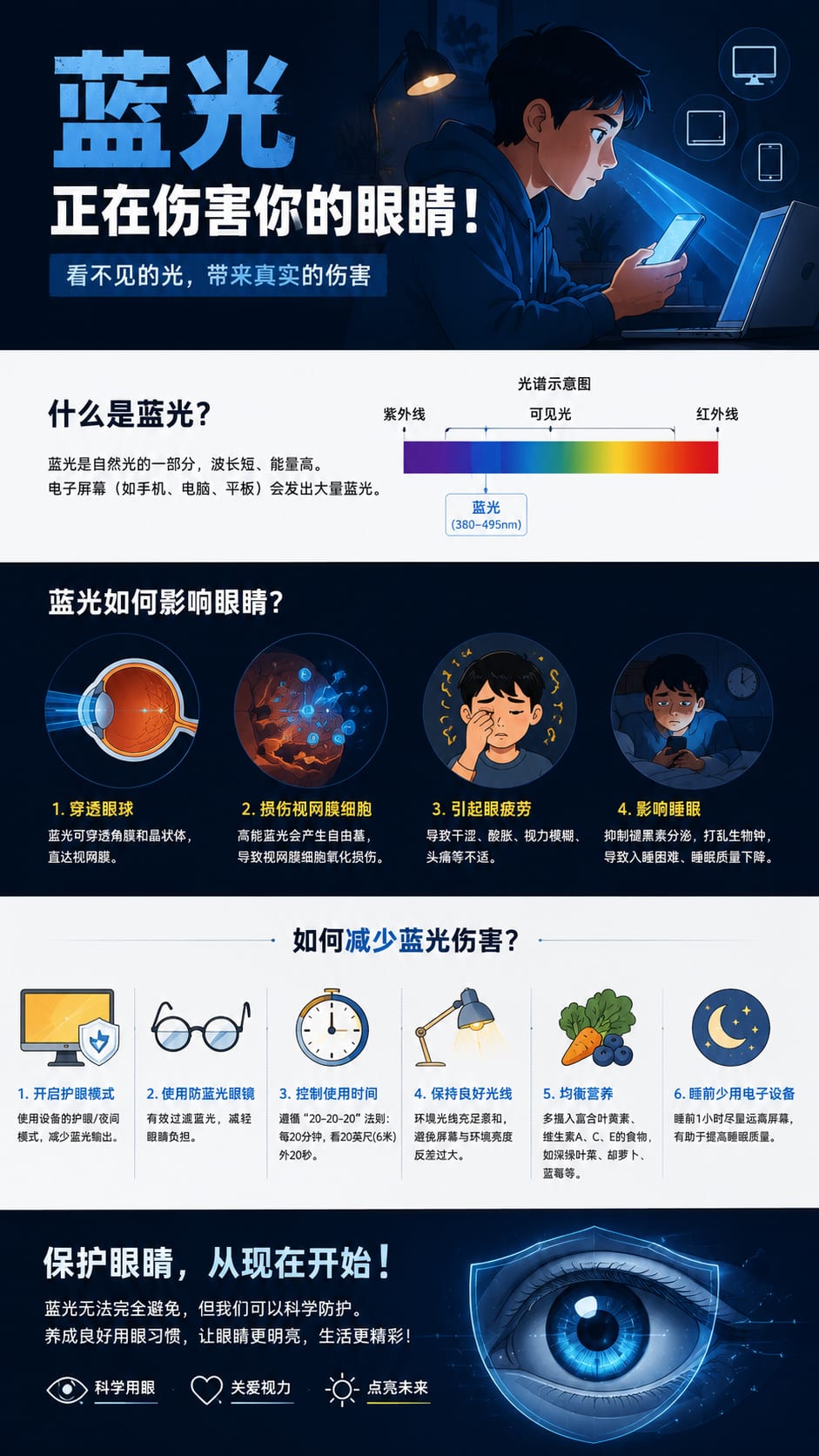
See how a rough topic or script becomes a structured visual explainer ready for short-form video platforms.
How do solar storms create auroras? Explain it for a short educational video.
Hook, key idea, visual breakdown, final summary.
Around 3 minutes of explainer video content in a YouTube and TikTok-ready vertical format.
Turn one script or topic into short explainer videos for the channels your audience already watches.
From science Shorts to TikTok explainers, KnowLens helps creators turn ideas, scripts, and notes into short videos people can understand and share.
Turn a rough science topic into short visual scenes with a strong hook, simple narration, and a structure that fits YouTube Shorts.
Science Shorts · Concept Videos
Quickly shape one idea into a fast explainer with an opening question, visual beats, and a concise payoff for TikTok and Shorts.
TikTok Explainers · Hook Videos
Complex topics like AI agents, LLMs, and workflows become clearer when they are turned into short visual explainers with step-by-step scenes.
AI Explain Videos · Workflow Breakdowns
Build repeatable video ideas for astronomy, biology, health, earth science, and everyday science stories viewers can understand quickly.
Science Stories · Visual Breakdowns
Turn lesson notes and learning topics into short narrated explainers that help students review one idea at a time.
Lesson Videos · Recap Clips
Explain trends, products, and strategy ideas as clear knowledge videos for creators who want sharper educational content without heavy editing.
Business Explainers · Short Scripts
HOW IT WORKS
Start with a topic, script, article, or notes. KnowLens helps shape the idea into a short visual explainer for YouTube Shorts and TikTok.
01
Paste a topic, script, article, lesson note, research summary, or rough idea. Start with the material you already have, whether it is a creator script, a classroom topic, or a business explanation.
02
KnowLens organizes the main points into a clearer structure, highlights the key ideas, and turns scattered text into a visual flow that is easier to explain, teach, and share.
03
Choose the video direction that fits your goal: YouTube Shorts, TikTok explainers, Reels, or short educational videos for your audience.
Try KnowLens with free credits. Upgrade when you want more generations, HD exports, watermark removal, or more video projects.
Generate more short explainer videos for your content workflow.
Download higher-quality visuals for publishing.
Create cleaner assets for professional use.
Produce more explainer videos for your content workflow.
Common questions about creating visual explainer videos with KnowLens.
Yes. KnowLens helps turn a script, article, or topic into an AI explainer video structure with visual scenes, captions, and a vertical format that works well for YouTube Shorts.
Yes. You can create TikTok-ready educational videos, science explainers, AI concept breakdowns, and short visual stories from a single idea or rough script.
KnowLens works best for educational topics, science videos, business explainers, AI tutorials, product ideas, and complex concepts that need a clear visual breakdown.
KnowLens focuses on visual explainer videos with structured scenes, subtitles, and educational storytelling. It is not designed as a talking-head avatar generator.
No. The workflow is designed for creators who want an AI video generator that helps plan the hook, scene flow, captions, and visual direction without manual editing from scratch.
Yes. Start with one script or topic, then use the visual explainer structure for YouTube Shorts, TikTok videos, Instagram Reels, and other short-form learning channels.
KnowLens is built for YouTube educators, TikTok creators, science communicators, AI content creators, business explainers, and teams that need clearer visual learning content.
Yes. You can use KnowLens for business explainers, product education, content marketing, and commercial creator workflows as long as you have the rights to the source material.
Start with a topic, script, article, or notes. Generate a short visual explainer video for YouTube Shorts, TikTok, or Reels in minutes.